
Your Watch Says You Burned 400 Calories. How Accurate Is It?
A watch can pick up your pulse and still be far off on calories. Three experiments explain how the estimate works and what to track on your next run.
You get home from a run along the river and your watch flashes 400 calories. You're thinking about a late-night snack. Did that run burn about as much as the snack contains?
Four hundred calories is an estimate. The watch display alone gives you little way to tell if it's high or low. In one experiment, most of the seven devices tested measured heart rate quite closely while people cycled. The same devices were much further off when they estimated energy expenditure. Your pulse and your calories appear on the same screen, but each number starts with different information.
What does the green light actually see?
Flip your watch over. The small lights on the back shine into your skin, and a sensor catches the light that comes back. With each heartbeat, blood volume in your wrist changes and so does the amount of light the sensor picks up. Count those changes and you can estimate how many times your heart beats in a minute. The method, called photoplethysmography, is essentially using light to read your pulse.
To estimate calories, the watch can combine signals such as heart rate and wrist movement with details such as your age and weight. A reading of 140 beats per minute could come from running hard or from slowing to a walk while your pulse is still coming down. The energy you're expending at that moment also depends on the work you're doing and how you're moving. Your pulse is one clue the software has to work with [1][2].
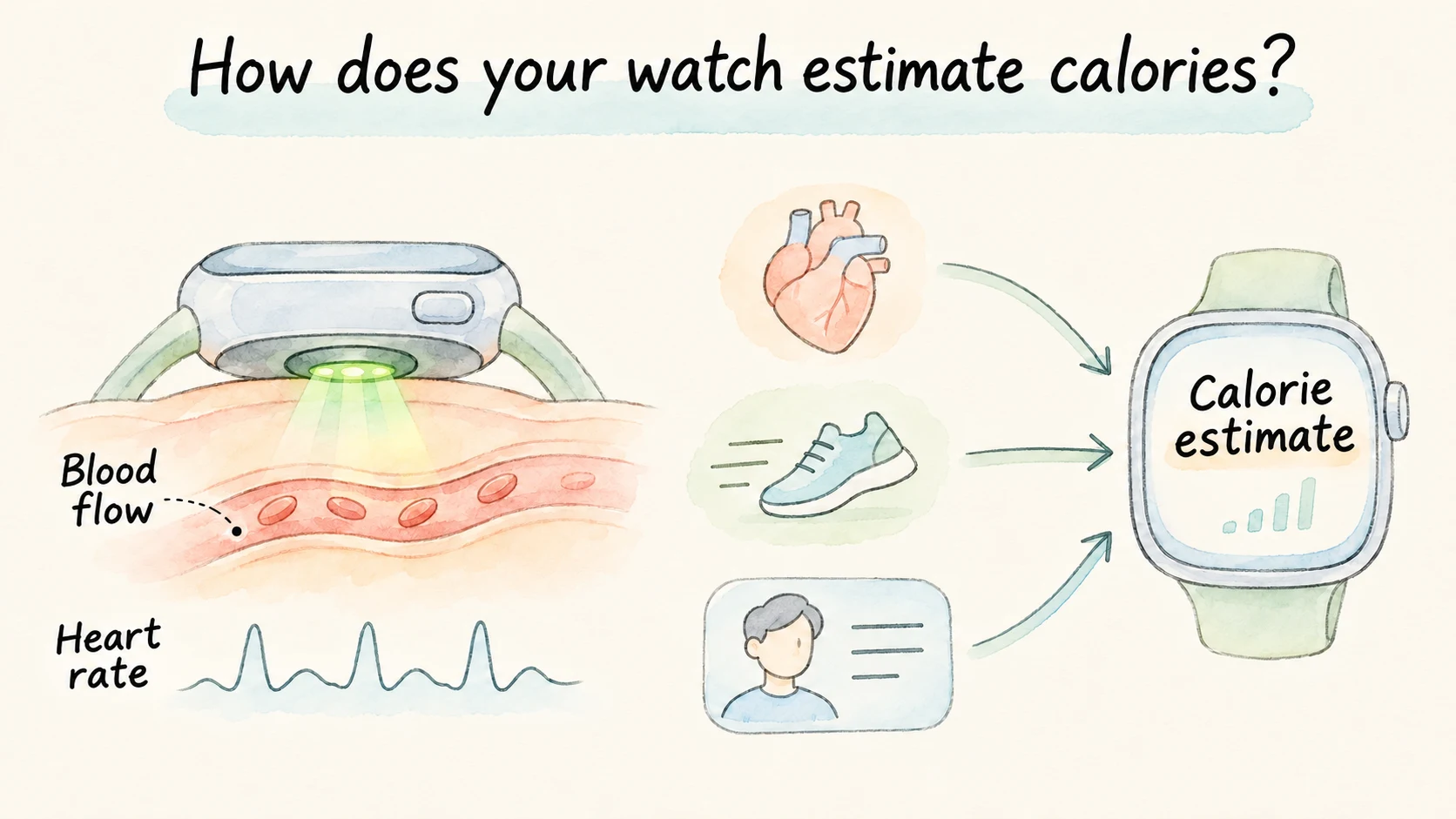
So what do researchers compare it with? They can use an electrocardiogram to identify each heartbeat. To measure energy expenditure, they have people wear a mask while they exercise. The machine measures the oxygen they use and the carbon dioxide they breathe out, then uses those values to calculate how much energy their bodies expend. It's called indirect calorimetry, and it relies on two gas measurements a wristwatch usually has no way to take [1].
How the study worked — A Stanford team measured 60 adults at rest and while walking, running and riding a stationary bike. During cycling, six of seven devices had median heart-rate errors below 5%. Across the activities, median energy-expenditure errors ranged from 27.4% to 92.6%, depending on the device [1].
Those were the models tested in 2017. Their performance shows why heart rate and calories need their own validation. At 140 beats per minute, 5% is about seven beats. The test gives you no basis for using that percentage to adjust the calorie reading.
Can you take 30% off the watch's number?
If you hear that watches are off by around 30%, it might sound reasonable to knock a third off the number yourself. Try the arithmetic with a made-up example. Suppose a breathing test estimates 300 calories, and two watches give different answers.
- 400 calories is 100 too high.
- 200 calories is 100 too low.
- Using the reference value of 300 as the denominator, both have an absolute percentage error of 100 ÷ 300 ≈ 33%.
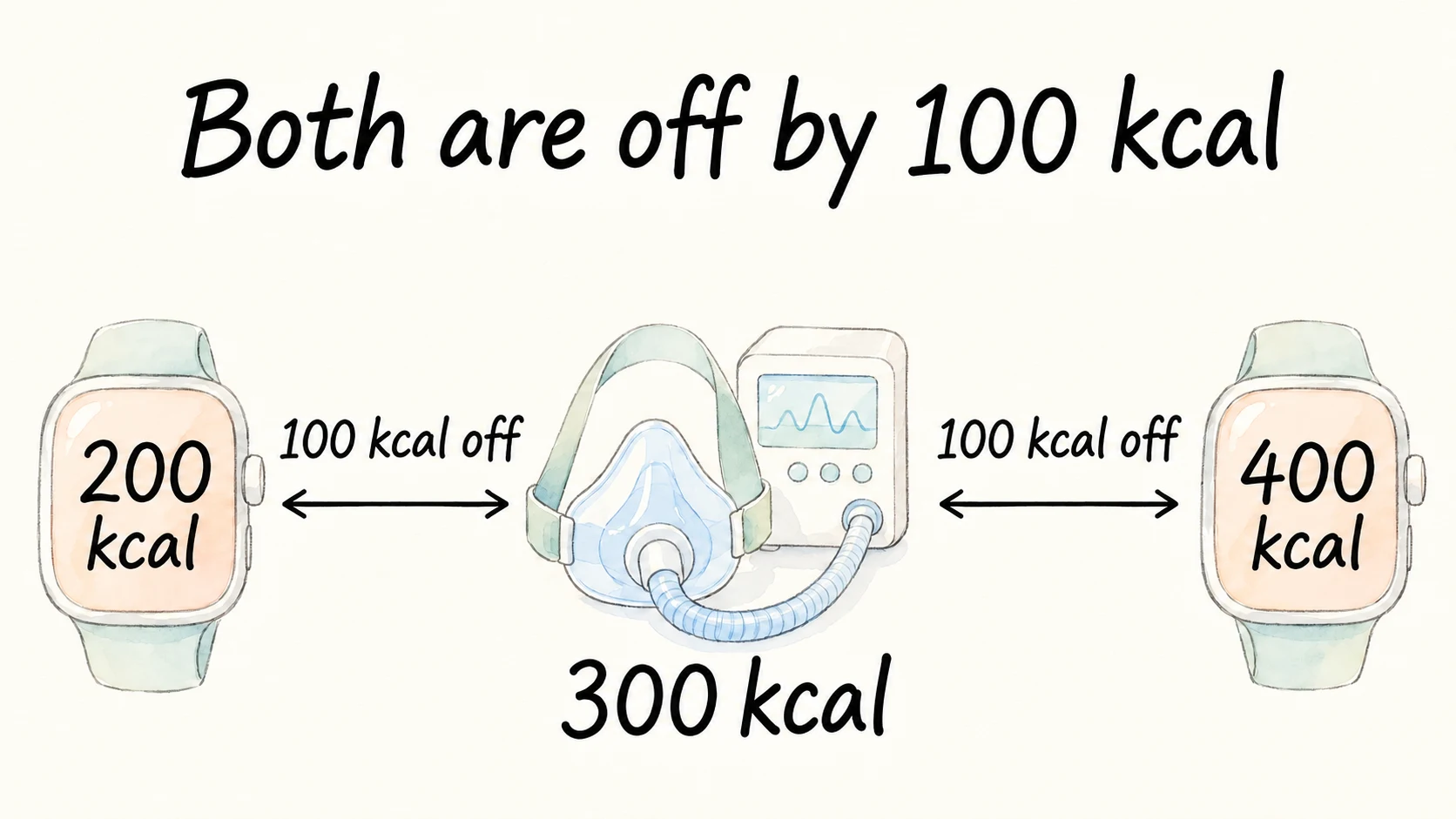
You can apply that calculation to each participant and average the results. That's the mean absolute percentage error. It tells you how far a device tends to stray without allowing errors in opposite directions to cancel. To tell if the watch tends to read high or low, you need to look at the signed differences separately. On your own run, you also lack the breathing-test value the percentage is based on. A study error rate can't turn the 400 on your wrist back into a measured result.
What if you go for a walk with the same watch?
In 2022, researchers took a portable gas analyzer to an outdoor track. Twenty healthy adults walked two kilometers briskly and then ran two kilometers while researchers compared readings from three watches with the gas analyzer [2].
- Garmin FENIX 6 had a mean absolute percentage error of 32.0% walking and 21.8% running.
- Huawei Watch GT 2e had errors of 9.9% walking and 11.9% running.
The Garmin's error was about ten percentage points higher in the walk. The Huawei's results were closer across the two activities. In the walk, the Garmin average was about 140 calories and the gas analyzer average was about 109. That's an overestimate at the group level, and individuals varied. To find out how either watch performs on hills or on a bike, you'd have to test it under those conditions [2].
Can you use the walking result in the weight room?
On a stationary bike your hands can stay almost still while your legs work hard. During a set of chest presses your wrists move, then scarcely move while you rest. Wrist movement alone leaves quite a few gaps for an algorithm to fill.
In 2018, researchers tested 50 healthy adults in a cycling session that got progressively harder and in a separate strength session with three sets of each of four exercises. Seven devices estimated energy expenditure, with respiratory gas analysis as the comparison. None met the study's 10% error threshold during either activity [3].
A watch that performs well on a walk still needs testing in the weight room. If you're tracking how the lifting is going, log the weight, the reps and the rest. In a few sessions you'll be able to see whether a set that once took everything you had is one you can now repeat.
Why do some watches show two calorie counts?
A workout summary may show both active calories and total calories. The active number estimates energy expended beyond rest, and the total also includes what your body would have used at rest over that time. If a summary showed 350 active calories and 400 total, for example, 50 would be the estimated resting portion [4].
When you compare two workouts, start with the same field and the same window of time. If one watch includes the warm-up and the other gets started halfway through it, they've accounted for different parts of your day. Comparing the same interval can explain some of the difference before you look at the exercise itself.
What should you save after your next run?
Start with what you did. If you walked for 30 minutes three times last week and four times this week, you walked an extra half hour. To see if your usual route feels easier, give yourself something comparable to look back on.
- Pick a familiar route. Use the same turnaround point and walk at your usual pace.
- Record time and effort. Write down the minutes and add a line like “I could talk on the way back” or “I stopped halfway up the hill.”
- Compare a few outings. A hot day or several long traffic lights can throw off one walk. Keep an eye on changes you see more than once.
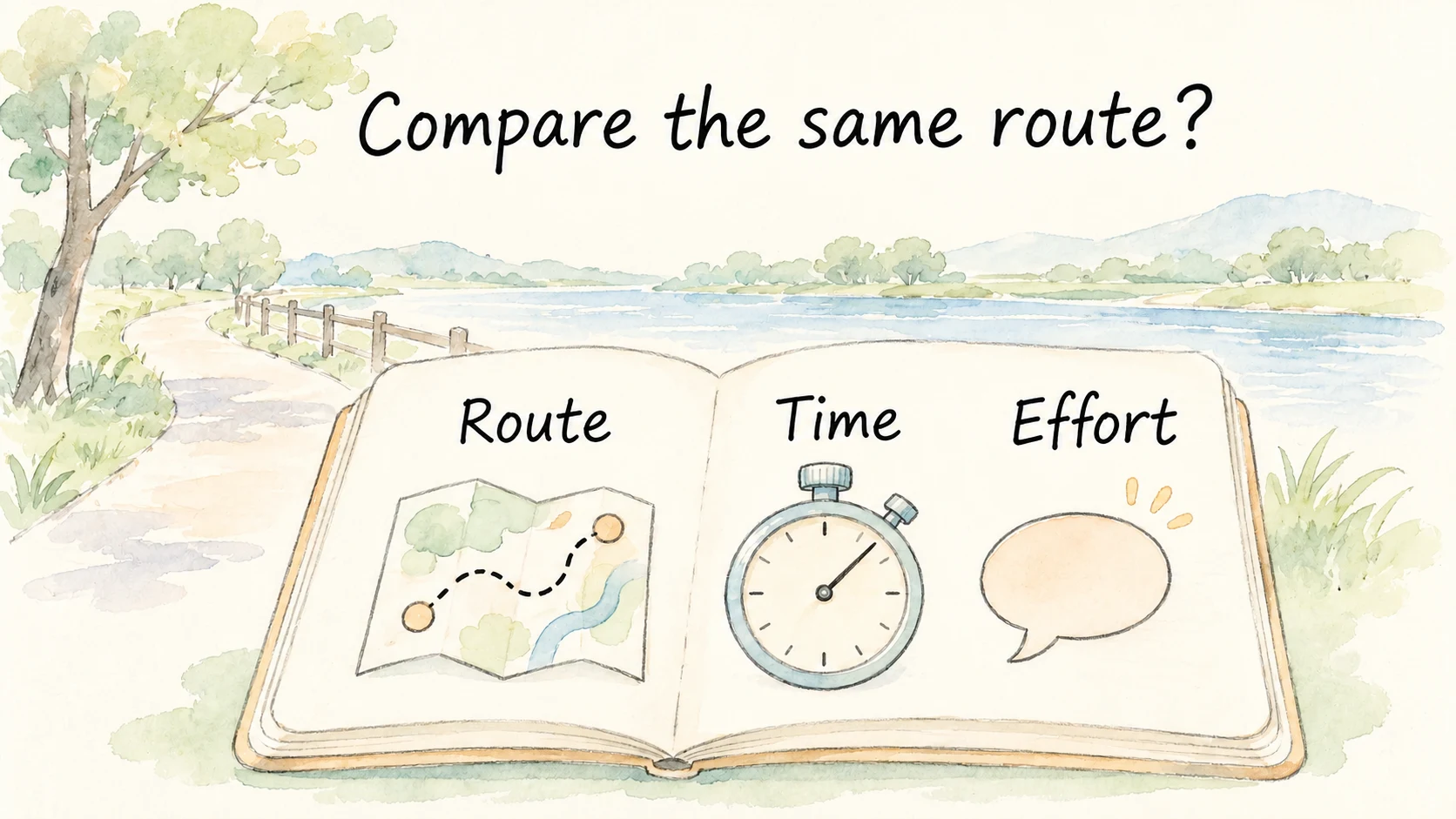
When 400 calories comes up again, you can leave it in the estimate column and have the snack you'd planned. When you want to decide whether to go a bit farther next week, return to the route. You'll have a record of how long it took and which stretches are getting easier.
References
[1] Shcherbina A, et al. Accuracy in wrist-worn, sensor-based measurements of heart rate and energy expenditure in a diverse cohort. J Pers Med. 2017;7(2):3.
[2] Le S, et al. Validity of three smartwatches in estimating energy expenditure during outdoor walking and running. Front Physiol. 2022;13:995575.
[3] Boudreaux BD, et al. Validity of wearable activity monitors during cycling and resistance exercise. Med Sci Sports Exerc. 2018;50(3):624–633.
[4] Apple Developer. HealthKit active energy burned.